
If your DEWALT power tool isn’t charging properly, it can halt your projects and cause frustration. Fortunately, most charging problems are fixable with some simple troubleshooting steps. This guide provides clear, safe instructions to identify and resolve common charging issues with your DEWALT tools, especially the 20V MAX models.

Get business pricing on garage and car supplies
- Business-only prices and quantity discounts
- Tax-exempt purchasing
- Multiple users, one account, clear invoices
Before starting, ensure you’re working in a safe environment and have your tools and accessories ready. Let’s get your DEWALT power tool back to work quickly and safely.
Key Takeaways
| Check the Battery | Ensure the battery is properly seated and not damaged. |
| Inspect the Charger | Verify the charger is functioning and connected correctly. |
| Test with a Different Battery | Rule out a faulty battery by trying another compatible one. |
| Clean Contact Points | Remove dirt or corrosion from the battery and charger contacts. |
| Update or Replace Components | Replace worn-out batteries or faulty chargers as needed. |
Step 1: Confirm Battery Placement
Remove the battery from your DEWALT tool and inspect the contacts for dirt or corrosion. Reinsert the battery firmly into the tool and the charger, ensuring it clicks into place. A loose connection can prevent charging.
Step 2: Test the Charger and Power Source
- Plug the charger into a different power outlet to rule out outlet issues.
- Check the LED indicator on the charger; it should turn on or show a specific color indicating charging status.
- If the charger doesn’t light up, try another compatible charger if available.
Step 3: Use a Known Good Battery
If possible, test with an additional fully charged battery of the same model. If the new battery charges normally, your original battery may be faulty or degraded and in need of replacement.
Step 4: Clean Contacts and Check for Damage
- Use a clean cloth or a small brush to remove dirt, dust, or corrosion from both the battery and charger contacts.
- Inspect for visible damage such as bent pins or cracks. Damaged contacts may need professional repair or replacement.
Step 5: Replace Battery or Charger if Needed
If your tests indicate the battery or charger is faulty, consider replacing the defective component. Use genuine DEWALT parts, such as the 20V MAX Lithium-Ion Battery (ASIN B00KQU1ENG) for reliable performance.
The Products in This Guide

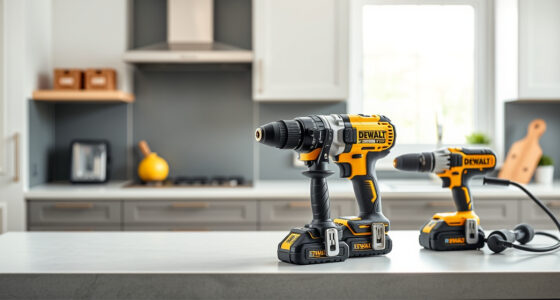
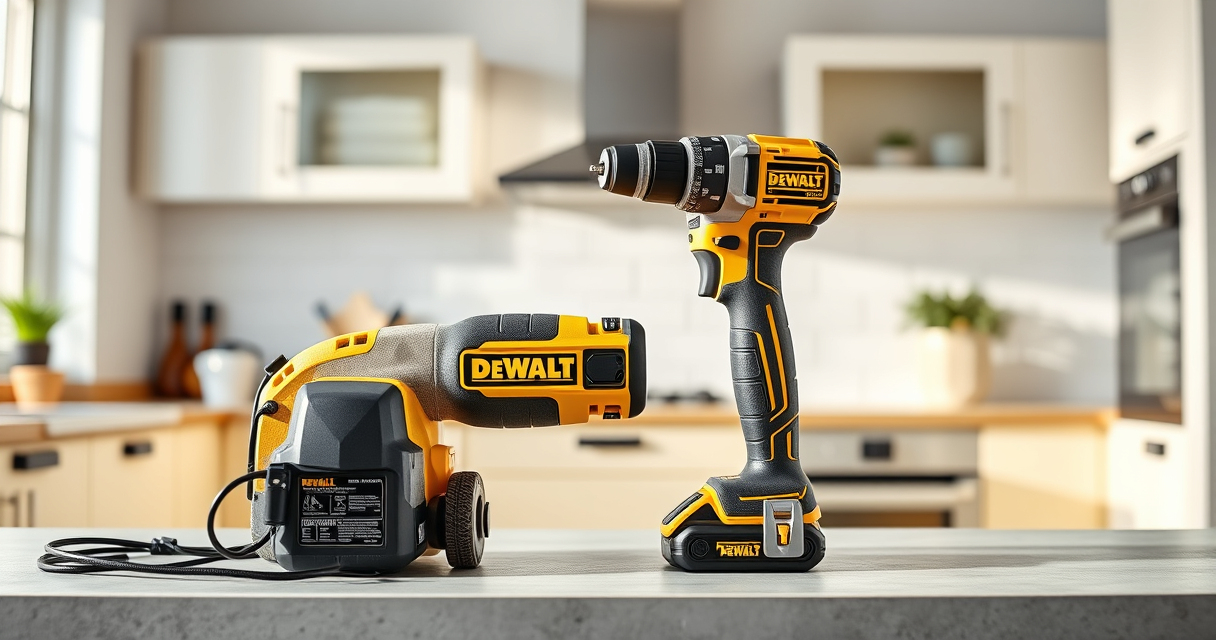
DEWALT 20V MAX Cordless Drill Driver Set
- ✔ Size: 7.6 inches
- ✔ Weight: Lightweight
- ✔ Warranty: 3 years

DEWALT Drill Bit Set
- ✔ Tip: Split Point
- ✔ Shank: 3-Flats
- ✔ Coating: Rust-resistant
DEWALT 20V MAX Cordless Drill Driver Set
The DEWALT 20V MAX Cordless Drill Driver Set is a versatile and durable tool ideal for various applications. Its brushless motor offers more run time, and the compact design makes it easy to maneuver in tight spaces. Proper maintenance and troubleshooting can ensure it stays ready for your projects.
Pros:
- Brushless motor delivers longer run time
- Compact and lightweight design
- LED light for visibility
- Includes 2.0 Ah battery and charger
Cons:
- Battery may need replacement over time
- Charger can fail if not properly maintained
- Limited to 20V MAX system
Best for: DIY enthusiasts and professionals needing reliable cordless drilling
Not ideal for: Heavy-duty industrial use or extended heavy drilling
Bottom line: A compact, efficient drill set suitable for most household and professional tasks.
DEWALT Drill Bit Set
This DEWALT Drill Bit Set offers 14 pieces with a 135-degree split point tip, perfect for various materials. It complements your drill, ensuring precise and efficient drilling, especially after resolving charging issues.
Pros:
- Durable high-speed steel bits
- Prevents walking with split point tip
- Corrosion-resistant coating
- Easy size identification
Cons:
- Limited to drilling bits only
- Not suitable for heavy-duty industrial drilling
- Requires compatible drill for optimal use
Best for: Home projects and professional drilling tasks
Not ideal for: Heavy industrial manufacturing
Bottom line: A reliable set of drill bits that enhance your drilling accuracy and durability.
Frequently Asked Questions
Why isn’t my DEWALT battery charging?
Common causes include poor contact between the battery and charger, a faulty charger, or degraded batteries. Follow the troubleshooting steps to identify the issue.
How do I clean the contacts on my battery and charger?
Use a dry cloth or a small brush to gently remove dirt, dust, or corrosion from the contact points. Avoid using liquids or abrasive materials.
Can I use a different DEWALT battery charger?
Yes, as long as the charger is compatible with your battery model and voltage specifications. Always use genuine DEWALT chargers for safety and performance.
When should I replace my DEWALT battery?
If the battery no longer holds a charge or charges very slowly after troubleshooting, it may be time to replace it with a new one, such as the DEWALT 20V MAX 5 Ah Lithium-Ion Battery.
Keep Your DEWALT Power Tools Running Smoothly
Dealing with a non-charging DEWALT power tool can be frustrating, but most issues are straightforward to diagnose and fix. Regular maintenance, proper contact cleaning, and using compatible, genuine parts can extend the life of your tools and batteries. Follow these troubleshooting steps to restore your tool’s performance quickly and safely, ensuring you’re always ready for your next project.
Affiliate disclosure: As an Amazon Associate we earn from qualifying purchases. Prices and availability are accurate as of the time of publishing.
Halloween Picks
halloween
As an affiliate, we earn on qualifying purchases.