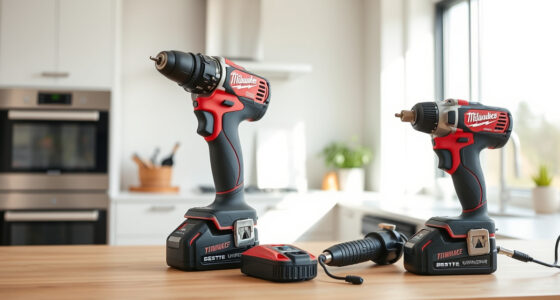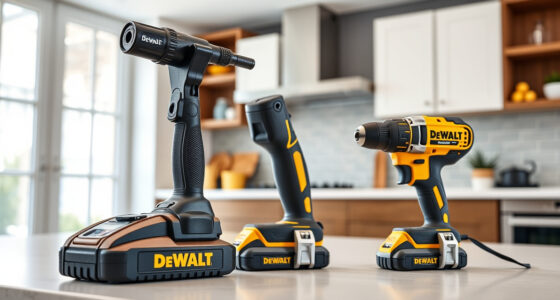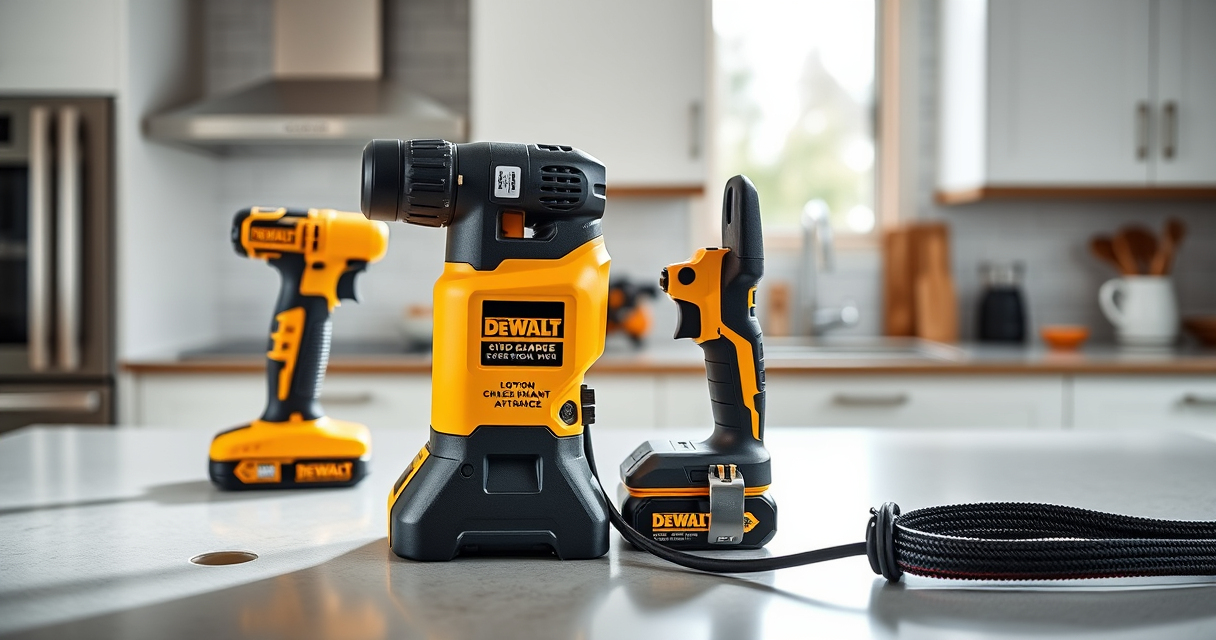

If your DEWALT cordless drill keeps getting its chuck stuck, it can be frustrating and hinder your work. This common issue often stems from debris, worn parts, or improper handling. Fortunately, with the right tools and knowledge, you can troubleshoot and resolve the problem effectively.

Get business pricing on garage and car supplies
- Business-only prices and quantity discounts
- Tax-exempt purchasing
- Multiple users, one account, clear invoices
In this guide, we’ll walk you through a detailed, safe process to fix your DEWALT drill’s stuck chuck, ensuring it operates smoothly again. Whether you’re a DIY enthusiast or a professional, these steps will help restore your tool’s performance without risking damage.
Key Takeaways
| Check for debris | Debris or dirt often causes the chuck to stick. |
| Use proper tools | A hex wrench or chuck key is essential for loosening. |
| Avoid excessive force | Applying too much pressure can damage the mechanism. |
| Lubricate if needed | Lubrication can free a stuck chuck but must be done carefully. |
| Seek professional help if stuck | Persistent issues might require expert repair. |
Identify the Cause of the Stuck Chuck
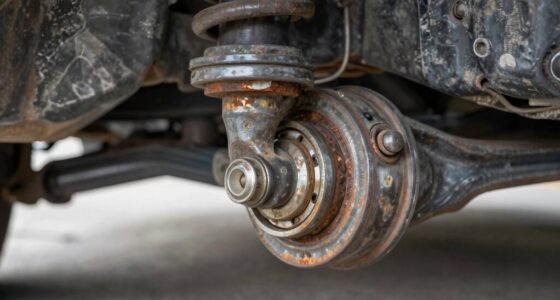
Before attempting any fixes, determine why the chuck is stuck. Common causes include accumulated debris, corrosion, or worn-out parts. Check for visible dirt, dust, or rust around the chuck area. If the chuck feels overly tight or doesn’t spin freely, these issues are likely the culprits.
In some cases, the drill might have been subjected to excessive force or used improperly, causing internal mechanisms to jam. Recognizing the root cause will help you choose the most effective solution and avoid unnecessary damage.
Prepare Your Tools and Workspace
- Gather necessary tools: a hex wrench (usually 1/4 inch), a rubber mallet, and possibly WD-40 or a similar lubricant.
- Ensure your drill is turned off and remove the battery to prevent accidental activation.
- Work in a clean, well-lit area to prevent losing small parts and to facilitate clear visibility.
Loosen and Remove the Chuck
- Use the appropriate hex wrench to grip the chuck’s tightening collar or the chuck itself, depending on your model.
- Hold the drill firmly and turn the hex wrench counterclockwise to loosen the chuck. If the chuck is extremely tight, gently tap the wrench with a rubber mallet to help it break loose.
- If your drill has a keyless chuck, try rotating it back and forth while applying steady pressure. For models with a chuck key, insert the key into the slots and turn to loosen.
- In some cases, the chuck may be fused due to rust or debris. Applying a penetrating lubricant like WD-40 around the chuck can help loosen it. Spray it generously, let it sit for 10-15 minutes, then attempt to loosen again.
Clean and Lubricate the Chuck and Mechanism
Once the chuck is removed, clean off any dirt, dust, or rust using a wire brush or cloth. If there’s corrosion, gently scrub it away to restore smooth operation.
Apply a small amount of lubricant or WD-40 to the moving parts of the chuck mechanism, including the spindle and the inside of the chuck. Avoid over-lubricating, as excess oil can attract dirt and cause further issues.
Reassemble the chuck onto the drill, ensuring it is aligned correctly, then tighten by turning clockwise. Test the chuck to see if it spins freely. Repeat the cleaning and lubrication process if necessary.
Reassemble and Test the Drill
- Reattach the chuck securely onto the drill’s spindle, tightening it firmly with the hex wrench or chuck key.
- Insert the battery back into the drill and turn it on.
- Test by inserting a drill bit and operating at different speeds to ensure the chuck spins smoothly and securely.
- If the chuck still sticks or doesn’t turn properly, repeat the cleaning and lubrication steps or consider professional repair.
Tips and Warnings for Ongoing Maintenance
- Regularly clean your drill after use to prevent debris buildup.
- Lubricate the chuck periodically to maintain smooth operation.
- Avoid forcing the chuck with excessive torque, which can cause damage.
- If the chuck continues to stick despite troubleshooting, consult a professional service center or contact DEWALT customer support.
The Products in This Guide

DEWALT 20V MAX Cordless Drill and Impact Driver
- ✔ Dimensions: 7.6 inches length
- ✔ Battery Capacity: 5Ah
- ✔ Weight: Approximately 3.4 lbs

DEWALT Drill Bit Set
- ✔ Bit Length: 2-3 inches
- ✔ Shank Type: 3-flats
- ✔ Coating: Rust-resistant
DEWALT 20V MAX Cordless Drill and Impact Driver
The DEWALT 20V MAX Cordless Drill and Impact Driver (DCK277D2) offers a lightweight, ergonomic design perfect for confined areas. Its brushless motor provides efficient power, and the quick-release hex chuck makes bit changes quick and easy. Ideal for both DIYers and professionals, this tool combines durability with ease of use.
Pros:
- Lightweight and compact design
- Brushless motor for efficiency
- Quick-release chuck
- Includes 2 batteries and charger
Cons:
- Chuck can occasionally jam if not maintained
- Battery life depends on usage
- Requires proper maintenance to prevent sticking
Best for: Ideal for tight-space projects and frequent drill bit changes
Not ideal for: Not suitable if you prefer corded tools or heavy-duty industrial use
Bottom line: A versatile, lightweight drill that performs well with proper maintenance of its chuck.
DEWALT Drill Bit Set
The DEWALT Drill Bit Set (DWA1184) features 14 heavy-duty high-speed steel bits with a 135-degree split point. Designed for plastic, wood, and metal, these bits are durable and resistant to wear, making them a great addition to any toolkit needing reliable bits for multiple projects.
Pros:
- Includes 14 versatile bits
- High-speed steel construction
- Split point helps reduce walking
- Corrosion-resistant coating
Cons:
- Not suitable for heavy industrial use
- Limited to standard sizes
- Requires proper storage to prevent damage
Best for: Ideal for home repairs, woodworking, and light metalwork
Not ideal for: Not designed for heavy-duty industrial drilling
Bottom line: Reliable drill bits that enhance the performance of your DEWALT drill.
Frequently Asked Questions
Why is my DEWALT drill’s chuck stuck?
Common reasons include debris buildup, rust, or internal wear. Regular maintenance and cleaning can prevent this issue.
Can I fix a stuck chuck myself?
Yes, with proper tools and care, you can loosen and clean the chuck yourself. If it remains stuck after troubleshooting, professional repair is recommended.
What tools do I need to fix a stuck chuck?
Typically, a hex wrench or chuck key, a rubber mallet, and penetrating lubricant like WD-40 are sufficient.
Is it safe to lubricate my drill’s chuck?
Yes, but use a small amount of lubricant and avoid excess, which can attract dirt. Always disconnect the battery before maintenance.
How often should I clean or lubricate my drill?
It’s best to clean and lubricate your drill after heavy use or if you notice difficulty in changing bits or the chuck feeling stiff.
Keeping Your DEWALT Drill in Top Shape
Maintaining your DEWALT cordless drill, especially the chuck, ensures it performs reliably for years to come. Regular cleaning, lubrication, and cautious use can prevent most sticking issues. If your chuck remains stubborn despite troubleshooting, consider professional repair options to avoid further damage. Proper care not only extends the life of your tool but also guarantees safety and efficiency on every project.
Affiliate disclosure: As an Amazon Associate we earn from qualifying purchases. Prices and availability are accurate as of the time of publishing.
Halloween Picks
halloween
As an affiliate, we earn on qualifying purchases.