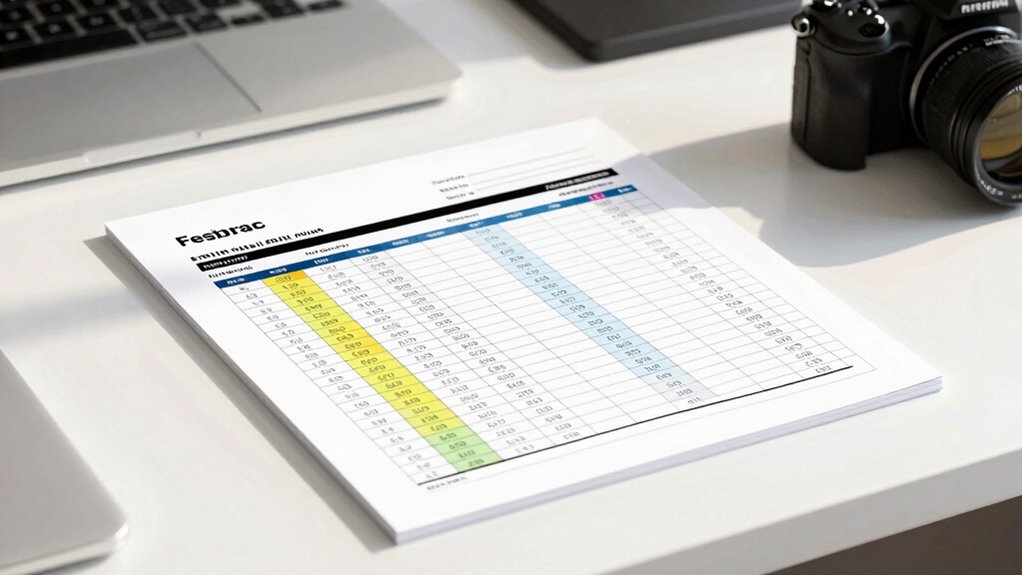

To guarantee your test data remains trustworthy, choose a clear and standardized test log template tailored to your project’s needs. Use consistent formats, include essential fields like test case ID, steps, expected and actual results, status, and comments. Incorporate dropdowns or checkboxes to reduce errors and keep your logs organized and adaptable. This approach enhances accuracy and clarity, making your data reliable. Keep exploring to discover how fine-tuning your logs can boost overall testing quality.
Key Takeaways
- Use standardized formats with clear labels and consistent date/time entries to ensure data clarity and comparability.
- Customize fields like test case ID, steps, expected/actual results, and status to suit project-specific requirements.
- Incorporate drop-down menus or checkboxes for status indicators to minimize entry errors and improve reliability.
- Regularly review and update the template to adapt to new testing scenarios and maintain clarity and efficiency.
- Integrate logs with other tools to streamline workflows, reduce duplicate data entry, and enhance data actionability.

Have you ever wondered how to streamline your testing process and keep track of issues efficiently? Using a well-designed test log template can be a game-changer, but it’s essential to follow best practices to guarantee your data remains reliable. When it comes to test log template best practices, clarity, consistency, and adaptability are key. Your goal is to create a document that captures all relevant testing details without becoming cluttered or confusing. To achieve this, focus on customizing test log formats to suit your project’s specific needs. Rather than sticking to a generic template, tailor it to include fields that matter most—such as test case IDs, test steps, expected results, actual results, status, and comments. Customizing test log formats allows you to prioritize information that helps identify issues quickly and makes reporting and analysis more straightforward.
Start by establishing a standardized format that everyone on your team understands and follows. This consistency minimizes errors and ensures that the data collected is comparable across different testing phases or team members. Use clear labels, consistent date and time formats, and standardized status indicators like “Passed,” “Failed,” or “Blocked.” When customizing your test log formats, consider incorporating drop-down menus or checkboxes for common status options to reduce manual input errors. Additionally, leaving space for detailed comments provides context for failures or anomalies, which can be invaluable during bug investigations. Remember, a good test log isn’t just about capturing data—it’s about making that data actionable. Incorporating test data integrity principles ensures your logs support accurate and trustworthy results.
Another best practice is to keep your test log flexible enough to adapt as your project evolves. As new testing scenarios emerge, your log should accommodate additional fields or sections without becoming overly complex. Regularly review and refine your format to improve clarity and efficiency. Using templates that are easy to update encourages team members to keep logs current and all-encompassing. When customizing test log formats, also think about integration—your logs should easily export or connect with your bug tracking or project management tools. This streamlines workflows and reduces duplicate data entry.

QA Bug Report Journal: Track, log and analyze your software bugs like a pro tester
As an affiliate, we earn on qualifying purchases.
As an affiliate, we earn on qualifying purchases.
Frequently Asked Questions
How Can I Customize a Test Log Template for Different Projects?
You can customize a test log template for different projects by leveraging its flexibility and personalizing sections to suit each project’s needs. Adjust columns, add specific fields, and include project-specific details to guarantee clarity. Use template personalization to streamline tracking and reporting. This approach helps you adapt the log for various testing scenarios, making it more effective and aligned with your project goals.
What Software Tools Are Best for Maintaining Test Logs?
You should use tools like Jira or TestRail, which support test automation and defect tracking seamlessly. These platforms let you maintain detailed test logs, track defects efficiently, and automate repetitive tasks. They also integrate well with various testing frameworks, helping you keep your data organized and trustworthy. By choosing the right software, you guarantee your test logs are accurate, exhaustive, and easy to update across different projects.
How Do I Ensure Team Adoption of the Test Log Process?
Ironically, getting your team to embrace a new test log process often feels like pulling teeth. To boost team engagement, you should implement effective training strategies that highlight benefits and simplify the process. Make it interactive, show real-world value, and encourage feedback. Recognize their efforts and make adherence part of the team culture. With consistent support and clear communication, your team will naturally adopt and champion the new test log system.
Can Test Logs Integrate With Other Quality Management Systems?
Yes, you can integrate test logs with other quality management systems through automation integration. By linking your test logs to existing platforms, you streamline data sharing and enhance compliance standards. This integration reduces manual input, minimizes errors, and guarantees your testing data aligns seamlessly with your overall quality processes. Implementing these connections helps your team maintain consistent standards and improves traceability across your systems.
What Are Common Pitfalls When Maintaining Test Logs?
You might struggle with maintaining test logs if you neglect test log accuracy and documentation consistency. Inaccurate entries can lead to misinterpreted results, while inconsistent documentation makes tracking progress difficult. Always double-check your logs for precision and follow a standardized format to guarantee clarity. Regular reviews and updates help prevent errors, ensuring your test logs remain reliable and useful for future reference.

RoadPro 3-Ring Zippered Binder for Loose-Leaf Log Sheets, Black, LB-001BK, 10.5" x 8.5"
- Enhanced Organization: Secure storage for log sheets and documents
- Improved Compliance: Helps drivers meet regulatory requirements
- Convenient and Portable: Compact and lightweight for easy transport
As an affiliate, we earn on qualifying purchases.
As an affiliate, we earn on qualifying purchases.
Conclusion
By using this test log template, you guarantee your data remains trustworthy and organized. Imagine catching an error early—saving hours of rework and avoiding costly mistakes. Studies show that proper documentation can reduce testing time by up to 30%. So, take control of your testing process today. With a clear log, you’ll build confidence in your results and streamline your workflow, turning complex data into reliable insights every single time.

Modes of Thinking for Qualitative Data Analysis
As an affiliate, we earn on qualifying purchases.
As an affiliate, we earn on qualifying purchases.

ELD Backup Driver Daily Log Book & Drivers Vehicle Inspection Report
- Includes ELD Malfunction Procedures: Provides instructions for ELD issues
- Blank Logs for 8 Days: Supplies blank logs to ensure compliance
- Integrated Daily Log & Inspection: Combines driver logs with vehicle inspection reports
As an affiliate, we earn on qualifying purchases.
As an affiliate, we earn on qualifying purchases.