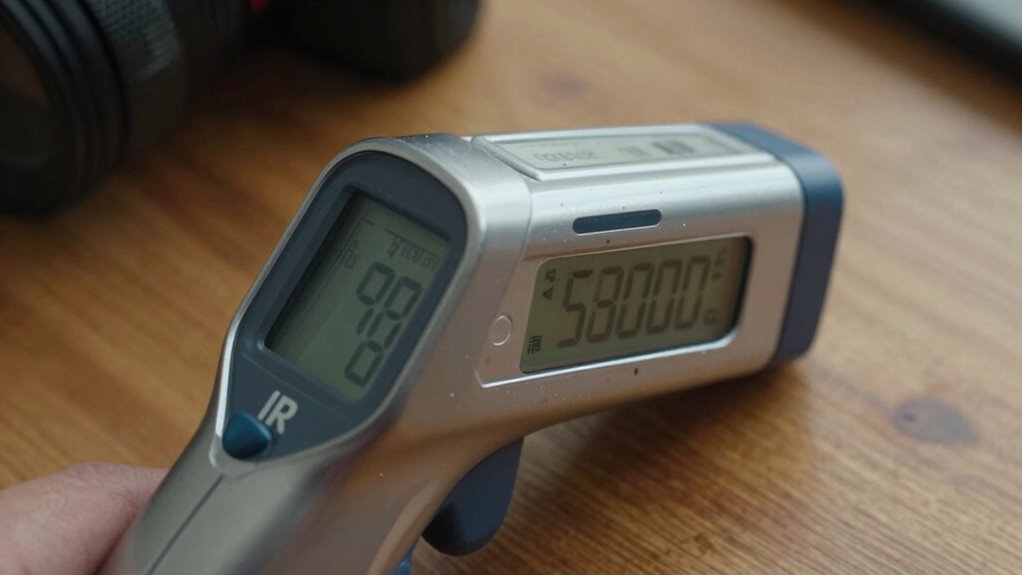
Your IR thermometer gives inconsistent results because surface emissivity varies widely, affecting accuracy. Shiny metals reflect IR radiation, while matte surfaces emit it more reliably. If you haven’t adjusted the emissivity setting or used surface coatings, your measurements can seem random. Proper surface preparation and setting the correct emissivity are key. Continue exploring to understand how to select the right settings and improve your measurement consistency.
Key Takeaways
- Low-emissivity surfaces like shiny metals reflect IR radiation, causing inconsistent or misleading thermometer readings.
- Incorrect or unadjusted emissivity settings can lead to seemingly random temperature measurements.
- Surface cleanliness and roughness influence emissivity, affecting the accuracy and stability of IR temperature readings.
- Surface coatings or roughening can standardize emissivity, reducing variability and improving measurement consistency.
- Environmental factors such as ambient temperature and measurement angle can cause apparent randomness if not properly controlled.

JIFETOR Engine Oil Pressure Gauge Transmission Fluid Diagnostic Tester Tool Kit 12PCS, 500psi Automatic Gearbox Pressure Meter with Hose and Adapters
Engine and Transmission Oil Pressure Test and Diagnostic: This engine transmission oil pressure tester kit is used for...
As an affiliate, we earn on qualifying purchases.
What Is Emissivity and Why Does It Matter?
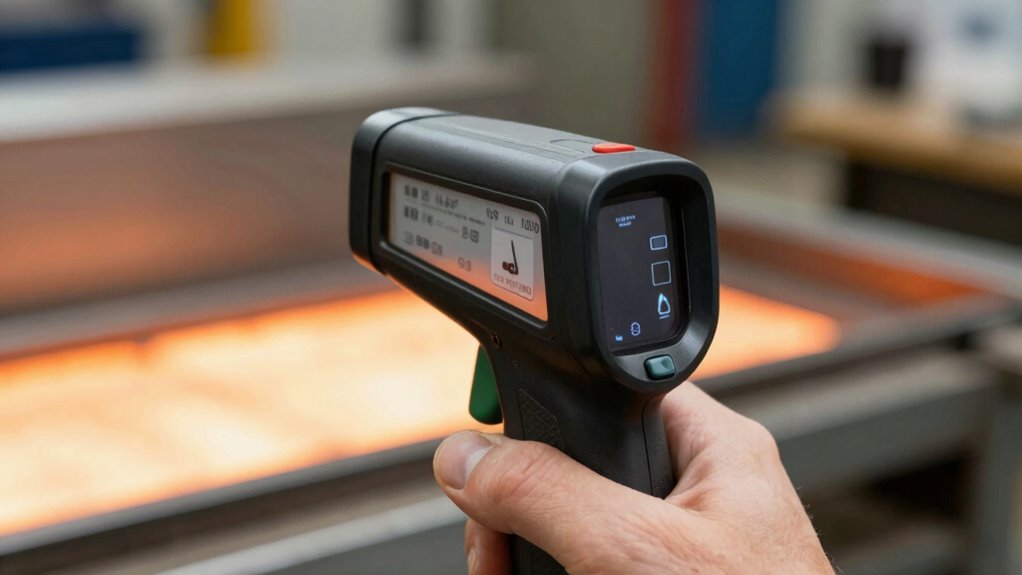
Have you ever wondered why some surfaces read temperature accurately with an IR thermometer while others don’t? It all comes down to emissivity, which measures how well a surface emits infrared radiation. Emissivity measurement is vital because different materials reflect and emit IR energy differently. Surfaces with high emissivity, like matte black paint, emit IR radiation efficiently, giving accurate readings. In contrast, shiny or reflective surfaces have low emissivity and high surface reflectivity, causing IR thermometers to pick up reflected ambient heat instead of the actual surface temperature. Understanding emissivity helps you choose the right settings or coatings to guarantee accurate measurements. Without considering these factors, your IR thermometer might give inconsistent or misleading temperature readings, especially on shiny or reflective surfaces. Recognizing surface properties such as reflectivity and texture is crucial for obtaining reliable IR temperature measurements.

VCT Engine & Transmission Oil Pressue Test Kit, High Pressure: 0-400psi Low Pressure: 0-100psi for Engine and Trasnmission Diagnostics
Precision Diagnosis: The VCT Oil Pressure Tester Tool Kit is equipped with 14 versatile thread adapters, providing comprehensive...
As an affiliate, we earn on qualifying purchases.
How Emissivity Affects Your IR Thermometer Readings
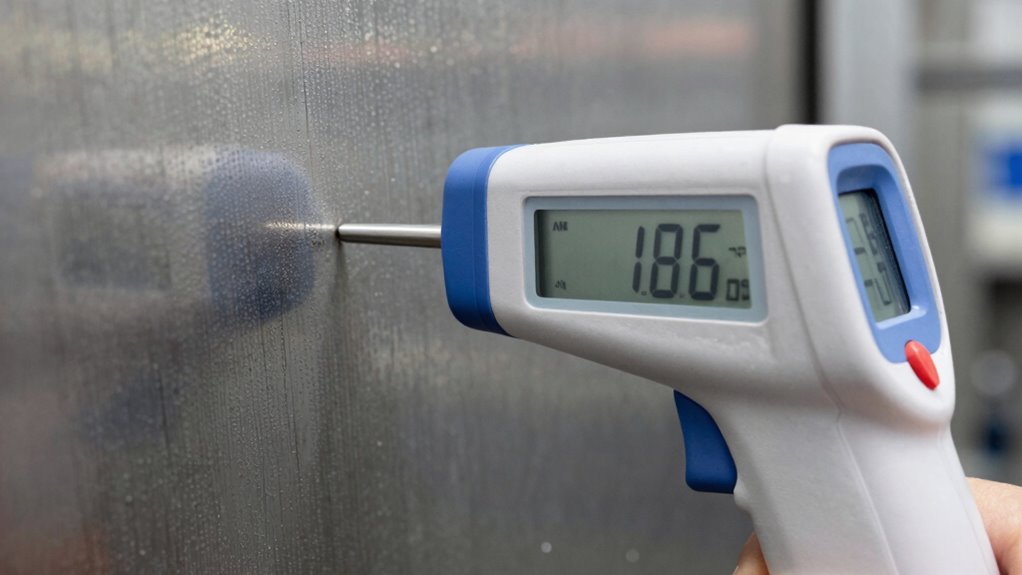
Emissivity directly influences the accuracy of your IR thermometer readings, especially when measuring different surfaces. Low-emissivity surfaces tend to reflect infrared radiation from other sources, leading to inaccurate readings. Conversely, high-emissivity surfaces emit more thermal radiation, giving more reliable results. Surface reflectivity plays a big role here, affecting how much radiation your device detects. Additionally, thermal conductivity impacts how quickly a material reaches thermal equilibrium, influencing measurement stability. To improve accuracy, consider these factors:
Emissivity and surface reflectivity critically affect IR thermometer accuracy and measurement stability.
- Surfaces with high reflectivity can skew readings
- Materials with low thermal conductivity may change temperature rapidly
- Adjust emissivity settings on your IR thermometer when possible
- Matte, dull surfaces generally have higher emissivity
- Shiny or polished surfaces often require calibration or correction
- Understanding watt-hours and capacity helps in selecting the right IR thermometer for various applications
- The material composition of a surface influences its thermal properties and emissivity, affecting measurement reliability
- Recognizing the surface finish can help you anticipate how an object will emit thermal radiation and improve measurement results
- The surface roughness can also influence emissivity by affecting how uniformly a surface emits thermal radiation
- Factors like thermal conductivity can determine how quickly a surface reaches thermal equilibrium, impacting measurement stability
Understanding these aspects helps you interpret readings more accurately and avoid random-looking results.
NEIKO 01407A Electronic Digital Caliper Measuring Tool, 0 - 6 Inches Stainless Steel Construction with Large LCD Screen Quick Change Button for Inch Fraction Millimeter Conversions, Digital Caliper Measuring Tool
MULTI-FUNCTION: This measuring tool has a quick-change button that changes between three measuring modes such as inch, fraction,...
As an affiliate, we earn on qualifying purchases.
Which Materials Have Which Emissivity Values?
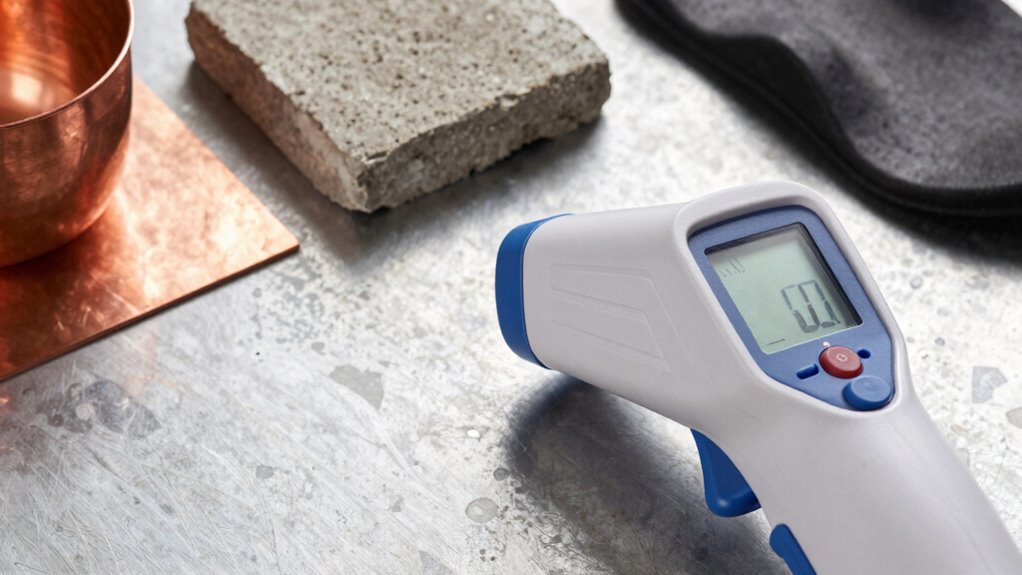
Different materials exhibit a wide range of emissivity values, which directly impact the accuracy of your IR thermometer readings. Metal surfaces typically have low emissivity values, often between 0.02 and 0.2, making them challenging to measure accurately without adjustments. Painted surfaces, on the other hand, generally have higher emissivity values around 0.90, providing more consistent readings. Shiny, polished metals reflect infrared radiation, causing readings to appear cooler or inconsistent. Matte or dull painted surfaces absorb and emit infrared radiation more effectively, leading to more reliable measurements. Knowing these differences helps you interpret your IR thermometer readings correctly and decide when surface preparation or emissivity adjustments are necessary for precise temperature measurement. Emissivity values vary significantly across different materials, so understanding these differences is crucial for accurate readings. Additionally, some electric dirt bikes feature specialized coatings to modify surface emissivity and improve measurement accuracy. Recognizing the material properties affecting emissivity enables you to choose the correct settings or surface treatments for your measurements.

HARDELL Digital Caliper 6 Inch with Large LCD Screen, Calipers Measuring Tool with Auto-Off Feature, Inch/Millimeter Conversion, Electronic Vernier Caliper Micrometer for Jewelers/Woodworkers/DIY
【Selected Stainless Steel Material】The calipers are made of selected stainless steel, waterproof and stain-resistant, more stronger than traditional...
As an affiliate, we earn on qualifying purchases.
How to Adjust Your IR Thermometer for Accurate Surface Measurements
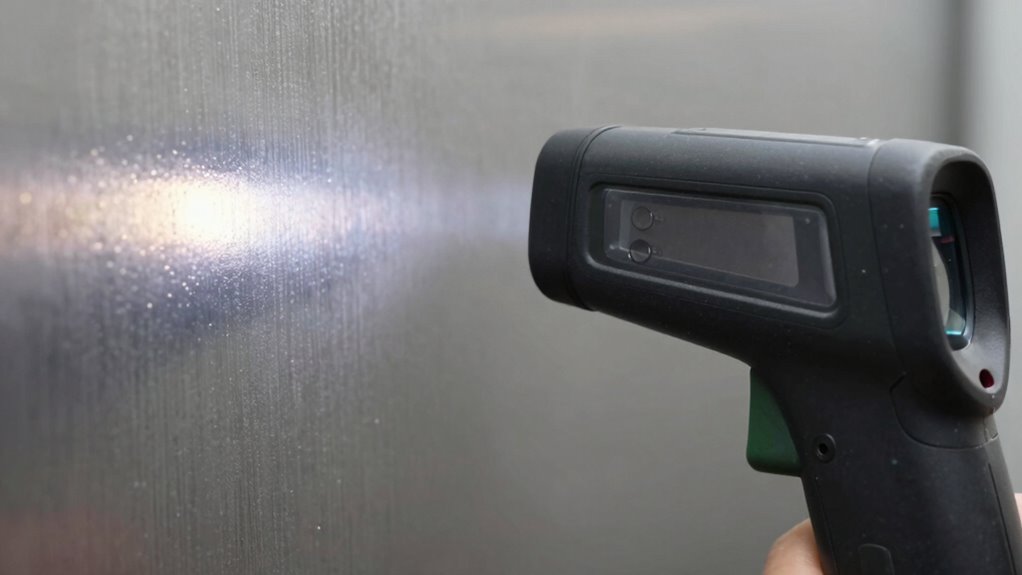
To guarantee your IR thermometer provides precise surface temperature readings, it’s essential to calibrate it for the specific material you’re measuring. Start by adjusting the emissivity setting based on the material’s known value. Use infrared imaging to verify your readings and ensure consistency. Perform emissivity calibration regularly, especially when switching between different surfaces. Keep these tips in mind:
- Use a reference surface with a known emissivity value
- Apply emissivity correction settings before measurement
- Warm up your thermometer to guarantee stable readings
- Cross-check with a contact thermometer when possible
- Maintain a consistent distance from the surface during measurements
- Remember that high contrast ratios in projectors significantly improve image quality, especially in dark scenes. Additionally, understanding emissivity helps in selecting the correct calibration procedures for various materials, and being aware of sensor accuracy ensures your measurements remain reliable. Regularly checking calibration can help maintain measurement precision over time. Incorporating proper maintenance practices for your infrared thermometer can further enhance its accuracy and longevity.
Why Are My IR Readings Off? Troubleshooting Emissivity Errors
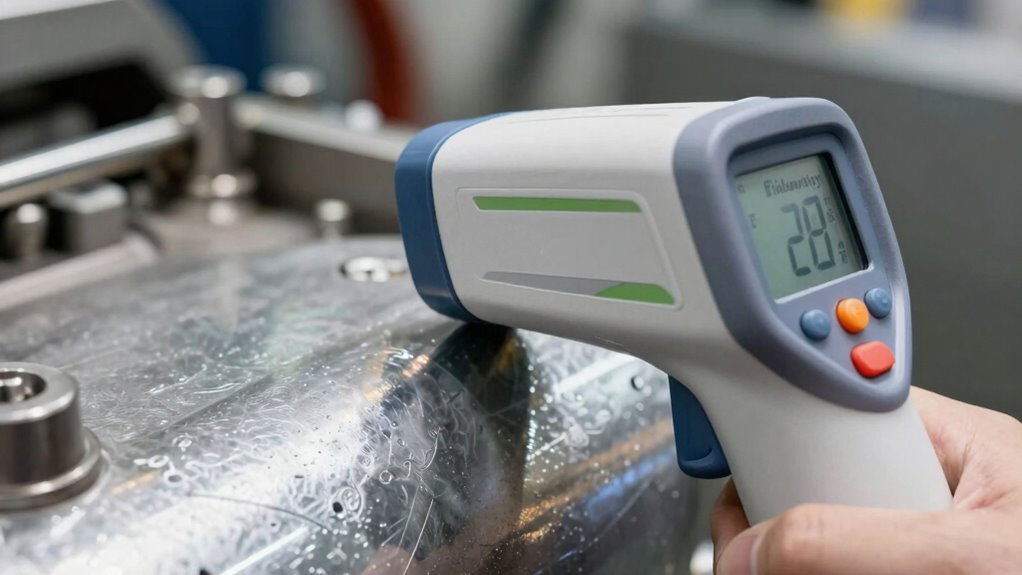
If your IR thermometer readings seem off, the issue might be incorrect emissivity settings or surface material differences. You could also be affected by the distance and angle of measurement, which can skew results. Understanding these factors helps you troubleshoot and get more accurate readings. Proper solar system design and safety considerations can also influence how you interpret temperature data. Additionally, ensuring the device’s calibration is up-to-date can help improve measurement accuracy. Regularly checking and adjusting the emissivity setting ensures your readings remain precise across different surfaces. Being aware of surface properties and how they affect infrared readings is essential for accurate temperature measurement. Recognizing the comedicogenic ratings of surfaces can also help predict how materials will emit infrared radiation.
Incorrect Emissivity Settings
Incorrect emissivity settings are a common cause of inaccurate IR thermometer readings. When the device isn’t set correctly, it can misinterpret surface reflectivity and thermal insulation properties, leading to inconsistent results. To troubleshoot, consider these factors:
- Ensure the emissivity setting matches the material’s true value
- Adjust for shiny or reflective surfaces, which have lower emissivity
- Avoid measuring through thermal insulation layers that distort readings
- Clean the surface to remove dust or dirt that affect emissivity
- Use a reference material to verify the thermometer’s accuracy
Surface Material Variability
Surface material variability substantially impacts IR thermometer accuracy because different materials emit thermal radiation differently. Materials with high reflectivity, like polished metals, can reflect ambient infrared radiation, causing inaccurate readings if not properly accounted for. Surface roughness also plays a role; rough surfaces tend to emit more thermal radiation compared to smooth, polished ones, affecting the emissivity value. When measuring, you might notice inconsistent results across different surfaces or even the same surface at different angles. Recognizing how material properties influence infrared emission helps you troubleshoot errors. Adjusting your device’s emissivity setting to match the specific surface material can improve accuracy. Always consider both material reflectivity and surface roughness when interpreting IR temperature readings to avoid misleading or inconsistent results.
Distance and Angle Effects
Distance and angle can considerably affect your IR thermometer’s accuracy because infrared radiation intensity diminishes with distance and varies with the measurement angle. Distance effects cause readings to become less reliable as you move farther from the target, leading to weaker signals. Angle effects occur when you measure at an oblique angle rather than head-on, which can cause underestimations. To improve accuracy, keep these tips in mind:
- Maintain a consistent, close distance to the target.
- Use the recommended distance specified by the manufacturer.
- Measure at a 90-degree, perpendicular angle for best results.
- Avoid measuring at steep angles that can distort readings.
- Regularly calibrate your device considering distance and angle influences.
How to Choose Emissivity Settings and Use Surface Coatings
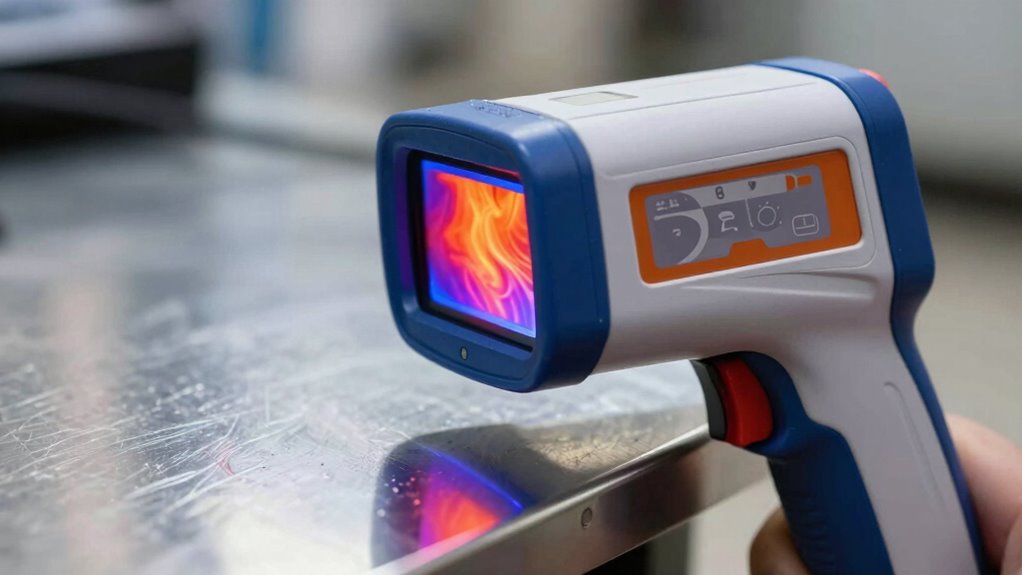
Choosing the correct emissivity setting on your IR thermometer is vital for accurate temperature readings, especially since different materials emit infrared radiation differently. To do this effectively, consider coating selection; applying a high-emissivity coating can standardize readings on surfaces with variable emissivity. Before measurement, surface preparation is essential—clean surfaces thoroughly to remove dirt, grease, or oxidation, which can distort readings. When selecting a coating, guarantee it’s compatible with your material and suitable for your measurement environment. Proper coating application creates a uniform surface with predictable emissivity, reducing variability. Always allow coatings to dry completely before measuring, and avoid rough or uneven surfaces that can reflect IR radiation unpredictably. These steps help ensure your IR thermometer provides consistent, reliable temperature data. Additionally, understanding sound vibrations and their influence on health can offer insights into complementary methods of thermal and emotional well-being, enhancing your comprehensive approach to health monitoring. Incorporating knowledge of material properties can further improve your measurement accuracy by selecting appropriate coatings and settings. Recognizing how surface texture affects emissivity also plays a crucial role in obtaining precise readings, as surface irregularities can cause fluctuations in infrared emission and impact measurement accuracy.
How Understanding Emissivity Ensures Reliable, Consistent Results
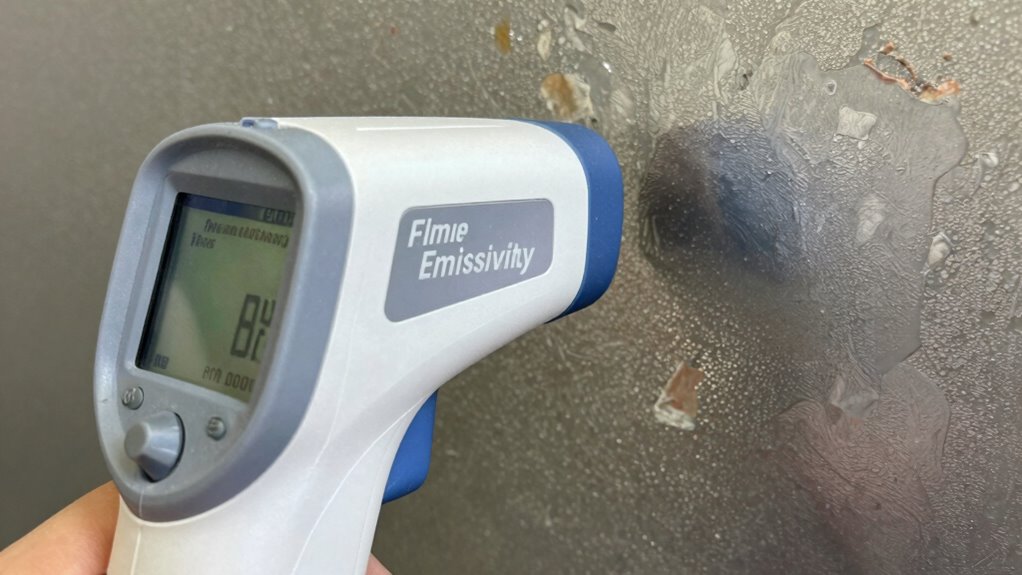
Understanding emissivity is key to getting accurate and consistent readings from your IR thermometer because it directly influences how the device interprets infrared radiation. When you grasp how surface texture affects emissivity, you can adjust settings or coatings to improve accuracy. Recognizing the impact of ambient temperature helps you identify potential measurement errors caused by environmental factors. Being aware of how surface texture influences emissivity allows you to select appropriate measurement techniques. Additionally, knowing how environmental conditions impact readings enables you to make necessary adjustments for more reliable results. Incorporating performance metrics into your routine can further enhance measurement consistency. By understanding these relationships, you ensure your readings are reliable and repeatable. Here are some tips to enhance consistency:
- Match emissivity settings to surface texture
- Use appropriate surface coatings when necessary
- Measure in stable ambient temperatures
- Clean surfaces for accurate reflections
- Calibrate regularly for environmental changes
This knowledge helps you minimize errors and get dependable temperature data every time.
Frequently Asked Questions
Can Environmental Factors Influence IR Thermometer Emissivity Readings?
Environmental factors definitely influence your IR thermometer’s emissivity readings. Environmental interference, like dust, steam, or reflective surfaces, can distort readings, while fluctuating temperatures affect calibration stability. To get accurate results, you should regularly clean your device, avoid reflective or humid environments, and recalibrate as needed. Being mindful of these factors helps guarantee your readings stay reliable, reducing the chance of random or inaccurate measurements.
How Does Surface Roughness Affect Emissivity Measurements?
Think of surface roughness as a gentle whisper that influences your IR thermometer’s measurements. When your surface has varied textures, it can cause slight fluctuations in emissivity, making your readings less consistent. Smoother surfaces tend to provide more reliable data, while rough textures may introduce minor inconsistencies. To guarantee measurement consistency, consider evaluating surface texture and adjusting your approach, so your infrared readings stay accurate and dependable.
Are There Specific Coatings That Can Standardize Emissivity Readings?
Yes, specific coatings can help standardize emissivity readings by ensuring coating consistency. Applying high-emissivity coatings, like matte black paints or ceramic coatings, creates a uniform surface that minimizes variability. These coatings serve as emissivity standards, making measurements more reliable. When you use such coatings on your target surfaces, your IR thermometer readings become more accurate and consistent, reducing the randomness caused by surface differences.
How Often Should I Recalibrate My IR Thermometer for Emissivity Accuracy?
You should recalibrate your IR thermometer every 6 to 12 months, especially if you notice inconsistent readings. While most thermometers boast stable emissivity, environmental factors can affect emissivity stability over time. Regular calibration ensures accuracy, much like tuning a musical instrument. Don’t wait for noticeable errors; proactive calibration maintains precision and confidence in your measurements, ensuring your IR thermometer consistently provides reliable data.
Can Emissivity Vary With Temperature Changes on the Same Surface?
Yes, emissivity can vary with temperature changes on the same surface. Material properties like surface oxidation and temperature influence emissivity, causing it to shift slightly as conditions change. When the temperature rises, oxidation layers may alter, affecting emissivity readings. To get accurate measurements, you should consider these variations and adjust your IR thermometer settings accordingly, especially when working with metals or surfaces prone to oxidation.
Conclusion
Think of emissivity like a secret handshake between your IR thermometer and the surface. When you understand and modify for it, your readings become a clear conversation rather than random noise. Mastering emissivity ensures your measurements are trustworthy, like a lighthouse guiding ships safely home. So, take control of those settings, and watch your IR thermometer become a reliable tool that never leads you astray in the fog.