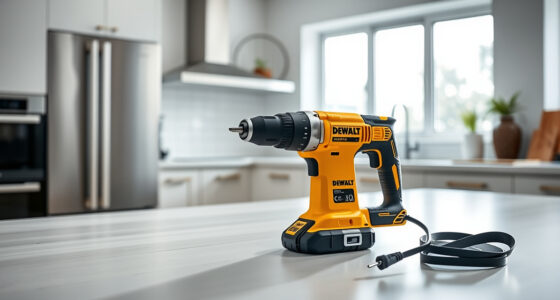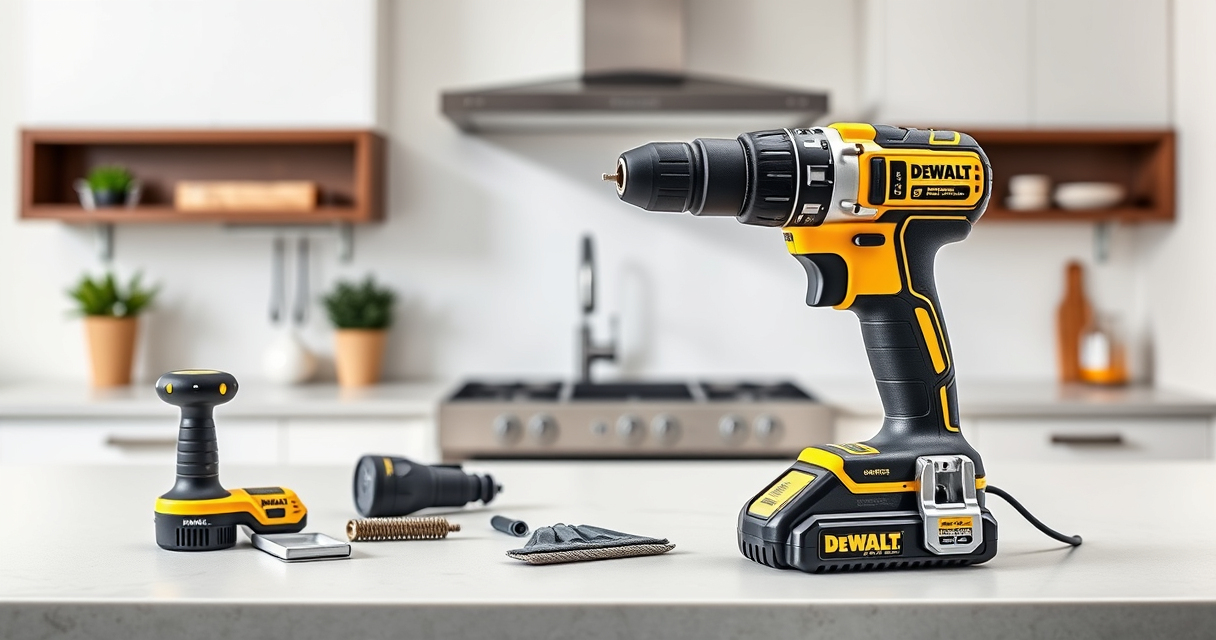
Proper maintenance of your DEWALT power tools ensures they perform reliably and last longer. Whether you’re a DIY enthusiast or a professional, understanding the key steps for upkeep and troubleshooting can save you time and money. This comprehensive guide focuses on the DEWALT 20V MAX Cordless Drill and Impact Driver, providing practical advice to keep your tools in top shape.

Get business pricing on garage and car supplies
- Business-only prices and quantity discounts
- Tax-exempt purchasing
- Multiple users, one account, clear invoices
From cleaning and battery care to troubleshooting common issues, you’ll find clear, easy-to-follow steps. Prioritizing safety is essential, so always follow safety warnings and use appropriate personal protective equipment when working on your tools.
Key Takeaways
| Regular cleaning prolongs tool life | Keeping your DEWALT tools free of dust and debris prevents overheating and damage. |
| Battery maintenance is crucial | Proper charging, storage, and cleaning of contacts extend battery lifespan. |
| Check for wear and damage | Inspect cords, bits, and components regularly to prevent failures. |
| Troubleshoot issues systematically | Identify common problems like power loss or overheating through step-by-step diagnostics. |
| Use recommended accessories | Employ quality drill bits and batteries to ensure best performance and safety. |
Cleaning Your DEWALT Power Tools
- Unplug or remove batteries before cleaning to prevent accidental activation.
- Use a soft, dry cloth to wipe down the exterior, removing dust and debris.
- For stubborn dirt, dampen a cloth slightly with water or a mild cleaning solution—avoid harsh chemicals.
- Use a small brush or compressed air to clean vents, motor openings, and around the chuck.
- Ensure all parts are dry before reassembling or storing.
Regular cleaning prevents dust buildup that can cause overheating and mechanical failures, especially in the motor and vents.
Battery Care and Maintenance
- Store batteries in a cool, dry place away from direct sunlight and extreme temperatures.
- Charge batteries before they are completely drained to prolong capacity and cycle life.
- Clean the battery contacts periodically with a dry cloth to ensure a good connection.
- Use the original charger and avoid overcharging—most DEWALT chargers have automatic shutoff.
- If a battery becomes swollen or shows signs of damage, stop using it immediately and dispose of it properly.
Proper battery maintenance maximizes runtime and extends the overall lifespan of your power tools.
Inspecting and Replacing Worn Components
- Regularly check the chuck for signs of wear or damage, such as excessive play or rust.
- Inspect bits for dullness or damage; replace with quality bits like the DEWALT Drill Bit Set for best results.
- Examine cords (if applicable) for cuts, frays, or exposed wiring, and replace if damaged.
- Check switches and triggers for responsiveness; replace if they stick or don’t activate properly.
- Ensure all screws and fasteners are tight to prevent parts from loosening during use.
Timely replacement of worn parts prevents further damage and maintains safe operation.
Troubleshooting Common Issues
- Power not ON: Check the battery charge level; replace or recharge if needed. Verify the trigger and safety switch are functioning properly.
- Tool overheating: Allow the tool to cool down; clean vents and ensure proper air circulation. Avoid prolonged use without breaks.
- Low performance or stalling: Inspect the bit for dullness; replace if necessary. Confirm the battery is fully charged.
- Impact driver or drill not spinning: Check the bit and chuck for obstructions. Test with a different battery or charger to rule out power issues.
- Unusual noises or vibrations: Stop use immediately, inspect for loose parts or damage, and replace worn components before resuming work.
Following these steps helps diagnose and address issues quickly, minimizing downtime and ensuring safety.
Safety Tips During Maintenance
- Always disconnect the battery or unplug the tool before maintenance.
- Wear safety glasses and gloves when cleaning or inspecting parts.
- Work in a well-ventilated area to avoid inhaling dust.
- Use appropriate tools for disassembly to avoid damaging parts.
- Dispose of batteries and worn parts according to local regulations.
Safety should always be your top priority when maintaining or troubleshooting your power tools.
The Products in This Guide

DEWALT 20V MAX Cordless Drill and Impact Driver
- ✔ Dimensions: 7.6-inch front-to-back
- ✔ Battery Capacity: 5Ah
- ✔ Warranty: 3 years

DEWALT Drill Bit Set
- ✔ Number of Bits: 14
- ✔ Material: High Speed Steel
- ✔ Tip Angle: 135°
DEWALT 20V MAX Cordless Drill and Impact Driver
The DEWALT 20V MAX Cordless Drill and Impact Driver (DCK277D2) offers a compact, lightweight design with a comfortable grip, making it ideal for tight spaces and prolonged use. Its brushless motor ensures durability and efficiency, while features like a bright LED and variable speed trigger enhance usability. Regular maintenance keeps this versatile tool performing at its best.
Pros:
- Compact and lightweight design
- Brushless motor for durability
- Includes 2 batteries and charger
- Bright LED for visibility
Cons:
- Battery life may vary with heavy use
- Requires regular cleaning for optimal performance
- Charger is not fast-charging
Best for: Home improvement, DIY projects, and professional trades
Not ideal for: Heavy-duty industrial applications
Bottom line: A reliable, versatile cordless drill and impact driver combo ideal for various tasks.
DEWALT Drill Bit Set
Complement your DEWALT drill with this 14-piece drill bit set featuring 135-degree split points, designed for plastic, wood, and metal. The heavy-duty high-speed steel ensures durability, and the black and gold coating resists rust and wear. It’s a practical addition to any toolkit.
Pros:
- Wide range of sizes
- Durable high-speed steel
- Resists rust with coating
- Easy to identify sizes
Cons:
- Only suitable for certain materials
- Bits may dull over time with heavy use
- Not designed for industrial-grade tasks
Best for: General DIY and home repair projects
Not ideal for: Heavy industrial or prolonged professional use
Bottom line: A versatile drill bit set that enhances precision and durability for everyday projects.
Frequently Asked Questions
How often should I clean my DEWALT power tools?
Regular cleaning after each use is recommended, especially if working in dusty environments. This helps prevent overheating and mechanical issues.
What is the best way to store batteries?
Store batteries in a cool, dry place away from direct sunlight and extreme temperatures. Keep contacts clean and avoid leaving batteries fully discharged for extended periods.
How can I troubleshoot if my drill isn’t turning on?
First, check the battery charge level and ensure it is properly inserted. Inspect the trigger and safety switch for proper functioning. If still not working, test with a different battery or charger.
What should I do if my drill overheats?
Stop using the tool immediately, allow it to cool down in a well-ventilated area, and clean any vents or air passages. Avoid continuous use to prevent damage.
Can I use third-party batteries with my DEWALT tools?
It’s best to use DEWALT-approved batteries to ensure safety and optimal performance. Non-compatible batteries could damage the tool or pose safety risks.
Keeping Your DEWALT Power Tools in Prime Condition
Regular maintenance and troubleshooting are essential to maximize the lifespan and performance of your DEWALT tools. By cleaning, inspecting, and caring for your equipment properly, you ensure safety and efficiency on every project. Remember, safety always comes first—disconnect power sources before any maintenance or repairs. With the right care, your DEWALT cordless drill and impact driver will serve you reliably for years to come.
Affiliate disclosure: As an Amazon Associate we earn from qualifying purchases. Prices and availability are accurate as of the time of publishing.
Columbus Day / Indigenous Peoples' Day Picks
long weekend sales
As an affiliate, we earn on qualifying purchases.