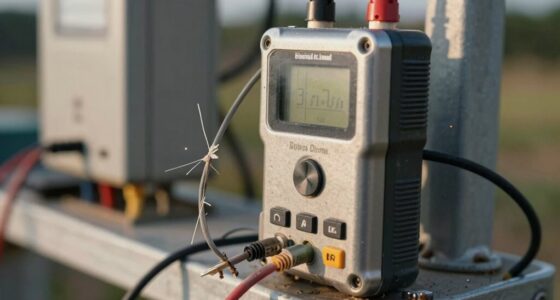
To build a repeatable track session logging protocol, start by setting up a reliable telemetry system that records key metrics like speed, throttle, braking, and steering. Make certain sensors are calibrated and data is saved immediately after each session. Organize logs systematically with details about conditions and vehicle setup, and review the data regularly using visualization tools. Continuously refine your process to improve consistency and performance—if you keep exploring, you’ll discover more effective ways to optimize your logging system.
Key Takeaways
- Establish a standardized setup process for telemetry systems before each session, including calibration and sensor checks.
- Define consistent data recording procedures, ensuring data is saved immediately and logs are systematically organized.
- Use visualization tools to create dashboards that highlight key metrics like speed, throttle, and braking for easy comparison.
- Incorporate context notes such as weather, tire condition, and track changes to deepen analysis.
- Regularly review and refine your logging protocol, automating data collection and improving visualization methods for better insights.
Creating a reliable track session logging protocol is vital for accurately tracking your progress and optimizing performance. When you implement a systematic approach, you gain valuable insights into how you’re improving and where you need to focus your efforts. One of the key components of this process is harnessing driver telemetry, which provides real-time data about your vehicle’s behavior and your driving habits. Driver telemetry captures critical metrics like speed, throttle position, braking force, and steering input, giving you an all-encompassing picture of your session. By consistently recording this data, you can identify patterns, strengths, and areas for improvement with greater ease.
Consistently recording driver telemetry enhances performance insights and drives continuous improvement on the track.
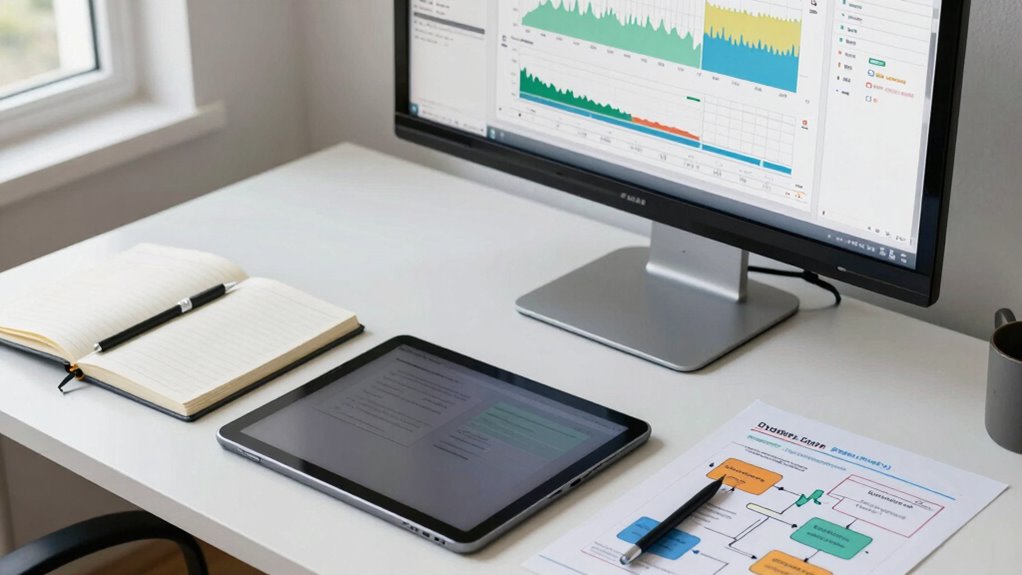
To build an effective logging protocol, start by selecting the right tools. Many modern racing dashboards and telemetry systems allow you to automatically record driver telemetry during each session. These systems often include features for data visualization, transforming raw numbers into easy-to-understand graphs and charts. Data visualization is essential because it simplifies complex data sets, making it easier for you to interpret performance trends without needing specialized analytical skills. When you review your logs, clear visual representations help you spot inconsistencies, pinpoint technical issues, and measure progress over time.
Establish a consistent process for capturing session data. This means setting up your telemetry system before every run, ensuring it’s calibrated correctly, and verifying that all sensors are functioning properly. After each session, save the data immediately to prevent loss. Organize your logs systematically—by date, track conditions, or vehicle setup—so that you can easily compare sessions later. Incorporate notes about weather, tire wear, or track changes to contextualize the data, which adds depth to your analysis. Additionally, understanding the importance of driver telemetry helps you focus on collecting the most relevant data to improve your driving.
Review your data regularly, making it a routine part of your training. Use data visualization tools to create dashboards that highlight key metrics like lap times, cornering G-forces, and throttle response. When analyzing driver telemetry, look for correlations between your inputs and lap performance. For instance, if you notice that braking points are inconsistent, or that certain sections of the track see excessive steering adjustments, you can target those areas for improvement. Document your findings and set specific goals for your next session. Doing this consistently turns raw data into actionable insights.
Finally, refine your protocol over time. As you become more familiar with your data and how it reflects your driving, tweak your logging process for efficiency and accuracy. Automate data collection where possible, and continually seek better visualization tools to enhance your understanding. By maintaining a disciplined, repeatable process centered around driver telemetry and data visualization, you’ll steadily improve your track performance and make the most of every session.

JIFETOR Engine Oil Pressure Gauge Transmission Fluid Diagnostic Tester Tool Kit 12PCS, 500psi Automatic Gearbox Pressure Meter with Hose and Adapters
Engine and Transmission Oil Pressure Test and Diagnostic: This engine transmission oil pressure tester kit is used for...
As an affiliate, we earn on qualifying purchases.
Frequently Asked Questions
What Equipment Is Essential for Effective Track Session Logging?
You’ll need a GPS sensor for accurate data collection, a reliable accelerometer, and a device for sensor calibration to guarantee precision. Use a smartphone or dedicated logging device to record your data, and incorporate software for data visualization to interpret results effectively. Having backup batteries and secure mounts helps prevent interruptions, so you can focus on capturing consistent, high-quality data during every track session.
How Do I Analyze Logged Data to Improve Performance?
To analyze logged data and improve performance, start with data visualization to identify patterns and outliers. Use trend analysis to track progress over multiple sessions, pinpointing areas for improvement. Focus on key metrics like lap times, speed, and consistency. By regularly reviewing visualized data, you can adjust your training, optimize your technique, and set realistic goals, ultimately enhancing your overall performance on the track.
Can I Automate the Logging Process Entirely?
Yes, you can automate the logging process entirely, turning it into a well-oiled machine. By integrating sensors with your data collection system, you guarantee continuous, hands-free data capture. Automate data visualization tools to instantly interpret results, saving you time and effort. This seamless setup means less manual work and more focus on improving your performance, like having a personal assistant that never sleeps.
How Often Should I Review and Update My Logging Protocol?
You should review and update your tracking frequency and protocol regularly, ideally every few months or after significant changes in your training. This guarantees your logging remains accurate and relevant. Keep an eye on your progress and note any inconsistencies or new goals. By proactively updating your protocol, you’ll stay aligned with your performance, making your track sessions more effective and helping you identify areas for improvement.
What Common Mistakes Should I Avoid When Developing a Logging System?
Don’t let your logging system become a house of cards. Avoid rushing through setup, which can compromise data accuracy, and ignore user feedback, risking frustration and errors. Think of it as building a house—solid foundations matter. Always test your system thoroughly, seek user insights, and refine accordingly. Overlooking these steps can lead to unreliable data and lost progress, so stay vigilant and adaptable to keep your logs trustworthy and effective.

VCT Engine & Transmission Oil Pressue Test Kit, High Pressure: 0-400psi Low Pressure: 0-100psi for Engine and Trasnmission Diagnostics
Precision Diagnosis: The VCT Oil Pressure Tester Tool Kit is equipped with 14 versatile thread adapters, providing comprehensive...
As an affiliate, we earn on qualifying purchases.
Conclusion
By establishing a solid, repeatable track session logging protocol, you’ll gain clearer insights into your progress and stay motivated. Did you know that athletes who track their sessions improve faster, with some seeing a 30% boost in performance? Consistency is key—by following this protocol, you’ll access your full potential and turn each session into a step toward your goals. Keep logging, stay committed, and watch your progress soar.

Oil Catch Can, 300ml Black Baffled Catch Can Tank Kit, Aluminum Oil Separator with Fuel Line Hose Kit, Coolant Reservoir Tank
Efficient Oil Catch: Use this oil catch can kit reduce oil and water buildup in your engine use...
As an affiliate, we earn on qualifying purchases.

BARTOO Universal Oil Catch Can Tank 2 Port Oil Catch Can Billet Aluminum Car Engine Oil Catch Can Kit with Breather Filter Reservoir Oil Separator
【Size】:Height without filter:96mm/Height with filter:163mm/Width: 63mm.Inlet/Outlet:3/8" NPT/Plug Adapter:9.5mm/12.7mm. This Oil Catch Can is fit for small spaces.
As an affiliate, we earn on qualifying purchases.