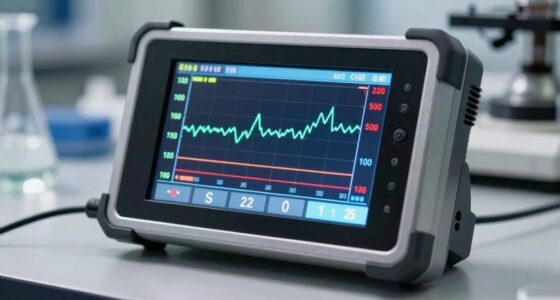
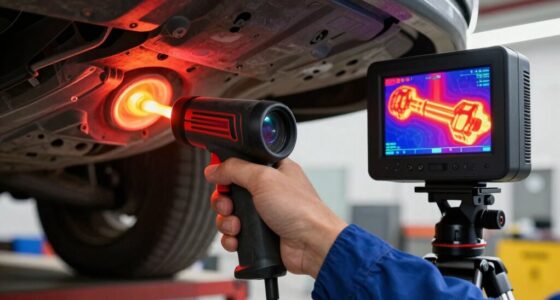
To fix inaccurate IR thermometer results, you need to set the correct emissivity for the surface you’re measuring. Shiny, metallic, or reflective surfaces often need a lower emissivity, while matte surfaces require higher settings. Check the surface type and adjust accordingly, or use reference charts and calibration methods. If you keep these tips in mind, you’ll improve your results—and there’s more to learn about precise adjustments that can make all the difference.

Get garage and car supplies delivered free — and shop member deals
- Fast, free delivery on millions of items
- Access to Prime Big Deal Days deals on October 6–7
- Prime Video, Amazon Music and more included
Key Takeaways
- Ensure the IR thermometer is calibrated correctly and set to the appropriate emissivity for the surface.
- Adjust the emissivity setting to match the material’s typical value (e.g., 0.95 for matte surfaces, 0.15 for shiny metals).
- Avoid measuring reflective or shiny surfaces directly; use matte coatings or reflection correction methods.
- Maintain proper distance and angle during measurement to prevent environmental and surface-related errors.
- Regularly verify and recalibrate your device to ensure consistent and accurate temperature readings.
IR thermometer emissivity adjustment
As an affiliate, we earn on qualifying purchases.
As an affiliate, we earn on qualifying purchases.
Why Your IR Thermometer Might Be Giving Wrong Readings
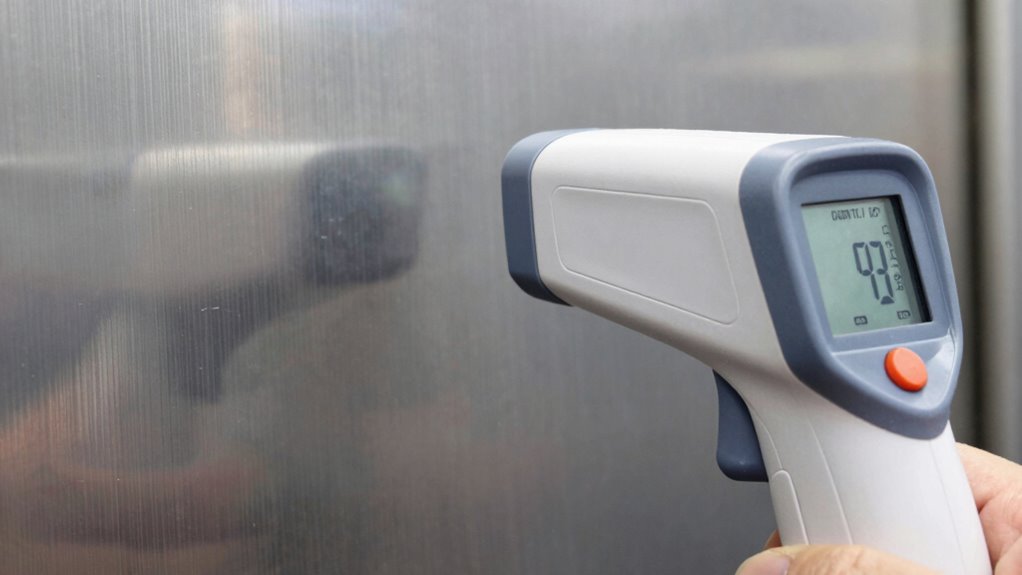
If your IR thermometer is giving inaccurate readings, the most common culprit is incorrect emissivity settings. Material properties critically influence emissivity, which varies across different surfaces. If you haven’t adjusted your device for the specific material you’re measuring, your readings can be way off. Calibration techniques help guarantee your IR thermometer provides accurate results; this involves setting the correct emissivity for each material type. Without proper calibration, your device may interpret thermal radiation incorrectly, leading to errors. Knowing the material properties of the surface you’re measuring allows you to set the right emissivity value. Proper calibration techniques, such as using a blackbody reference or manufacturer guidelines, help mitigate these errors and improve measurement accuracy. Additionally, understanding style and finish differences can aid in recognizing how surface characteristics impact emissivity values. Always verify your settings before taking critical temperature readings. Being aware of surface texture can further influence your readings, especially on rough or uneven surfaces. Recognizing how surface reflectivity affects IR readings is also essential for achieving precision. Moreover, paying attention to environmental factors such as ambient temperature and humidity can further enhance measurement reliability.
infrared thermometer calibration kit
As an affiliate, we earn on qualifying purchases.
As an affiliate, we earn on qualifying purchases.
Understanding Emissivity and Its Impact on Temperature Accuracy
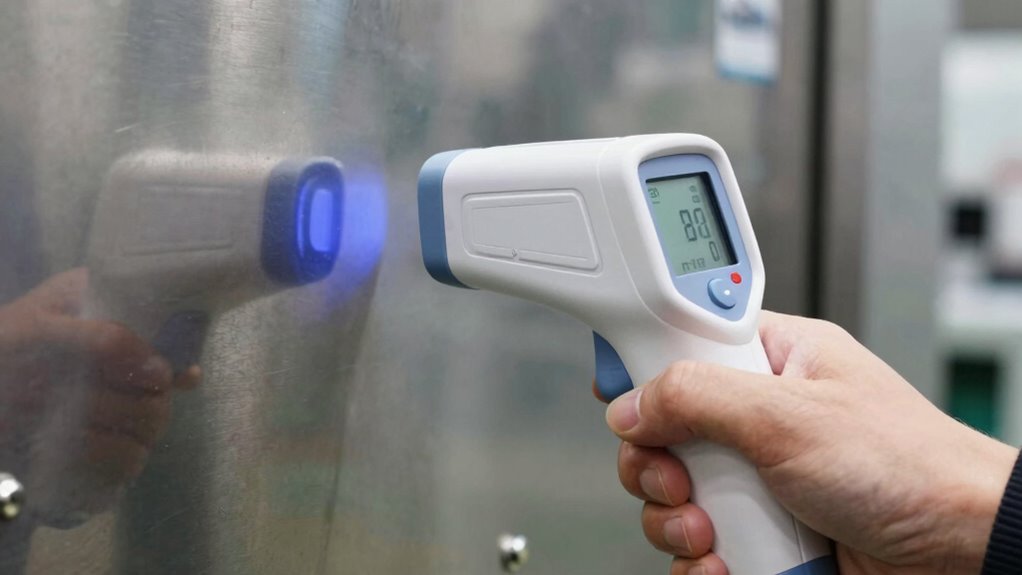
Understanding emissivity is key to getting accurate temperature readings with your IR thermometer. Emissivity depends on surface properties and material reflectivity, affecting how much infrared radiation a surface emits. Surfaces with low reflectivity, like matte finishes, emit more IR radiation and give more accurate readings. Shiny or metallic surfaces, with high reflectivity, reflect ambient IR and can cause errors if not adjusted. Here’s a quick guide:
| Surface Type | Emissivity Range |
|---|---|
| Matte, non-metallic | 0.85 – 0.95 |
| Shiny, metallic | 0.05 – 0.20 |
| Rough surfaces | 0.90 – 0.95 |
| Smooth surfaces | 0.10 – 0.30 |
Recognizing these surface properties helps you interpret readings accurately and avoid common mistakes. Additionally, understanding surface emissivity can significantly improve measurement accuracy in various applications. For instance, surface emissivity is a critical factor in thermal imaging, which relies on accurate IR measurements for safety inspections and maintenance.
non-contact temperature gun for surfaces
As an affiliate, we earn on qualifying purchases.
As an affiliate, we earn on qualifying purchases.
How to Find the Correct Emissivity for Different Surfaces
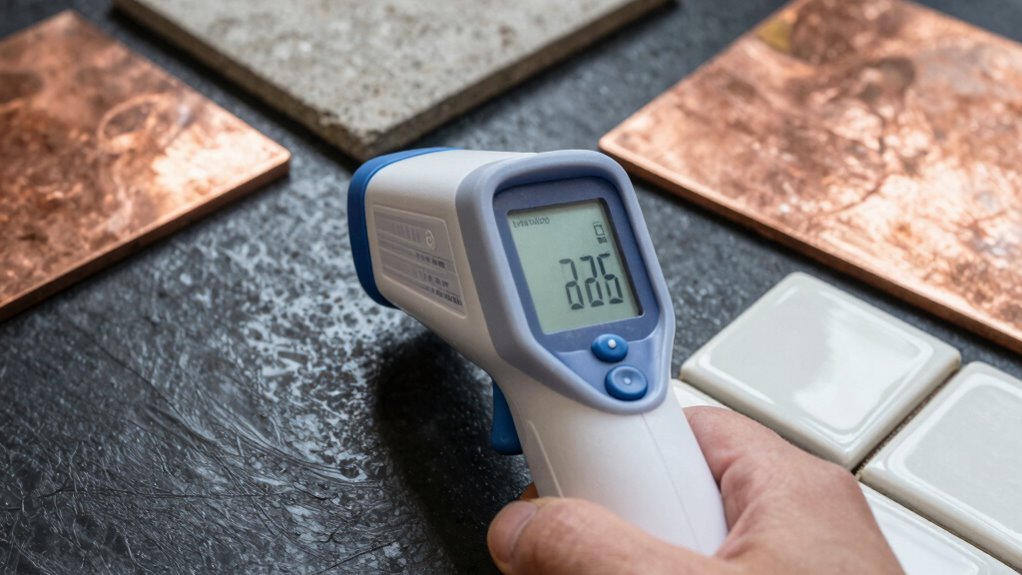
To find the correct emissivity for different surfaces, start by consulting reliable reference tables or manufacturer guidelines, which often list standard values for common materials. Surface properties influence how much infrared radiation a material emits, so knowing these details helps you select the right emissivity. Use emissivity charts to identify typical values for various surfaces like metal, plastic, or wood. These charts simplify the process, giving you quick access to accurate data. Keep in mind that surface finish, cleanliness, and condition can alter emissivity, so use these charts as a baseline. When in doubt, look for specific material data or perform a calibration test. Correct emissivity settings ensure your IR thermometer provides precise temperature readings.
IR thermometer with adjustable emissivity
As an affiliate, we earn on qualifying purchases.
As an affiliate, we earn on qualifying purchases.
How to Adjust Your IR Thermometer for Accurate Readings

Adjusting your IR thermometer properly is essential for obtaining accurate temperature readings. First, perform a surface calibration by using a known temperature source, ensuring your device is correctly aligned. Next, apply ambient correction to account for surrounding temperature influences. Many IR thermometers have built-in compensation features—use them to fine-tune your readings. Here’s a quick guide:
| Step | Action |
|---|---|
| 1 | Calibrate against a known surface |
| 2 | Adjust for ambient temperature effects |
| 3 | Verify the emissivity setting |
| 4 | Use the correct distance-to-spot ratio |
| 5 | Regularly recalibrate for consistency |
This ensures your readings are reliable, accounting for surface calibration and ambient correction. Remember, understanding emissivity and how it impacts measurements is key to accuracy. Properly setting and verifying your instrument’s emissivity settings can significantly improve measurement precision.
Common Mistakes Causing Inaccurate Temperature Measurements and How to Fix Them

Many common mistakes can lead to inaccurate IR thermometer readings, and identifying these errors is essential for reliable measurements. One major mistake is neglecting proper infrared calibration, which can cause your device to give false temperatures. Another frequent error is overlooking surface reflectivity; shiny or reflective surfaces can reflect infrared radiation from other sources, skewing results. To fix this, you should adjust for surface reflectivity by applying a matte coating or using a reflective surface correction method. Additionally, avoid measuring through transparent materials or in areas with drafts, as these conditions can also distort readings. Regularly calibrate your thermometer and be aware of the surface properties you’re measuring to ensure accurate, consistent temperature results. Understanding emissivity is crucial for correcting measurements and obtaining reliable data. Recognizing how surface properties influence IR readings helps prevent errors and improves measurement accuracy, especially when considering airflow and environmental factors.
Frequently Asked Questions
Can Environmental Factors Like Humidity Affect IR Thermometer Accuracy?
Yes, humidity impact can affect your IR thermometer’s accuracy. Environmental interference from high humidity causes IR signals to scatter or weaken, leading to skewed temperature readings. Moist air absorbs and reflects infrared radiation, making it harder for your device to get precise measurements. To minimize this, avoid measuring in humid environments or wait for conditions to improve. Proper calibration and understanding environmental factors help ensure accurate readings despite humidity influence.
Do IR Thermometers Work Equally Well on All Surface Colors?
IR thermometers don’t work equally well on all surface colors because color influence affects their accuracy. Darker, matte surfaces absorb infrared radiation better, giving more accurate readings. Conversely, shiny or light-colored surfaces reflect infrared energy, which can lead to inaccurate, lower temperature readings. Surface reflectivity plays a key role; highly reflective surfaces make IR thermometers less reliable, so you may need to adjust settings or use alternative methods for precise measurements.
How Often Should I Calibrate My IR Thermometer for Precision?
Think of calibration like tuning a guitar; to keep your IR thermometer singing accurately, you should calibrate it at least once a year. If you use it frequently or in harsh environments, consider more regular calibration. This schedule helps ensure consistent accuracy maintenance. Keep an eye on its performance, and if readings seem off, don’t hesitate to reconfigure it sooner—precision is key for reliable results.
Are There Specific Surfaces Where Emissivity Adjustments Are Unnecessary?
You don’t need emissivity adjustments on matte, non-reflective surfaces like some plastics or painted walls. However, avoid using your IR thermometer on metal surfaces or glossy finishes because their high reflectivity skews readings. For metals and glossy finishes, modifying emissivity settings ensures accurate measurements. Otherwise, sticking to non-reflective, matte surfaces helps you get reliable, straightforward temperature readings without extra calibration or adjustments.
What Is the Typical Lifespan of an IR Thermometer’s Sensor?
Think of your IR thermometer’s sensor as a delicate orchestra, harmonious when well-maintained. Typically, it lasts around 3 to 5 years before sensor degradation calls for attention. Regular calibration is your tune-up, ensuring accuracy. Over time, wear and tear may reduce performance, so keep an eye on its responsiveness. Proper care and periodic calibration will extend its lifespan, letting your tool hit all the right notes in temperature readings.
Conclusion
Now that you understand emissivity, you realize those seemingly minor surface differences can cause major errors. While your IR thermometer offers quick readings, neglecting emissivity turns it into a guessing game. By adjusting settings correctly, you gain precision. So, don’t let surface shine or dullness fool you—embrace these tweaks. Accurate temperature readings aren’t just about tools; they’re about knowing when to fine-tune your approach for true results.
Evergreen bestsellers Picks
bestsellers
As an affiliate, we earn on qualifying purchases.